Aevonar / The Collection
Explore what
we build.
Interactive workflows showing how business records, responsibilities and permissions can be structured around specific operational requirements.
Property PortalProject updates.
A shared record.
Team recordInternal scope, progress and cost information.
Client viewProject information approved for sharing.
Project operationsProperty Portal
Coordinate project records, estimates, crew reports and selected customer updates within a shared workspace.
Explore the workflowAdd a Journal update, set its visibility and inspect the corresponding Client view.
Open Property PortalPreview scripted Flare example  Plan · Rooms · Quantities
Plan to scopeBlueprint Studio
Review the building and floor plan, then prepare room-level scopes from geometry, finishes and your own rates.
Explore the workflowSelect Kitchen, enter a flooring rate and review the calculated scope before adding it to the project record.
Open Blueprint StudioPreview scripted Flare example 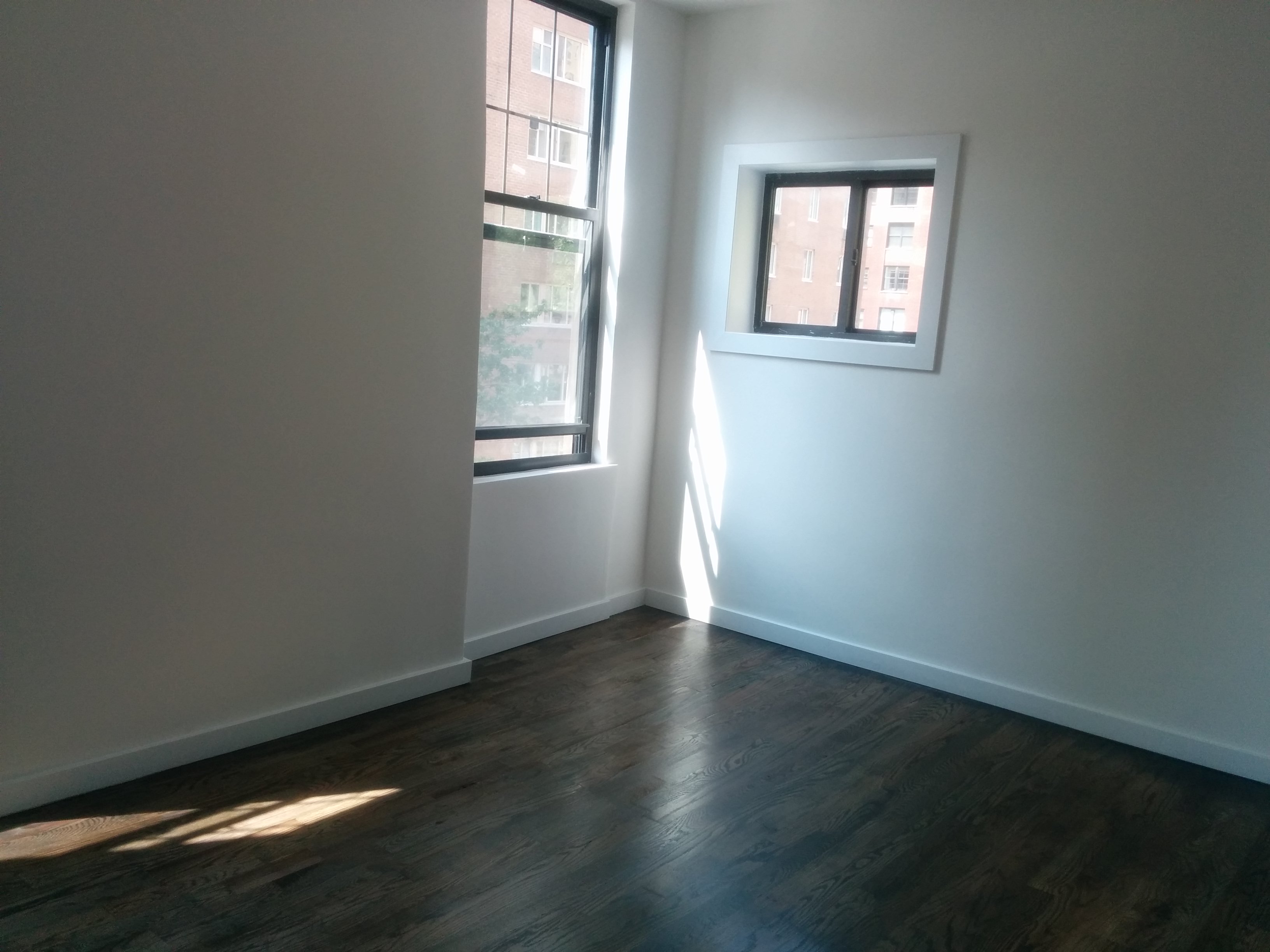
Listing LaunchRepair plan · Evidence · Agent review
Property planningListing Launch
Review acquisition assumptions, renovation allowances, assigned responsibilities and property preparation status.
Explore the workflowSelect a property to inspect its budget and scope, then explore owner decisions, contractor evidence and agent acceptance.
Open Listing LaunchPreview scripted summary
Sample data · Flare is coming soon and is not available to use yet. These examples run locally in your browser, with manual controls and scripted assistant paths. Connected assistant services, external messages, payments and listing services are not active. Room image credit.
From examples to your project
Discuss the application
your business needs.
The Collection illustrates selected workflows. Each commissioned system is scoped around the client’s users, information and operational priorities.
Discuss your project